PDF toolkit for Android
Docuro: PDF Scanner & Tools
Scan, convert and organize PDFs entirely on your phone. No uploads, no account, no ads.
Android 8.0+ · Free
Everything you need for everyday PDFs
Available now in the closed test (v0.1).
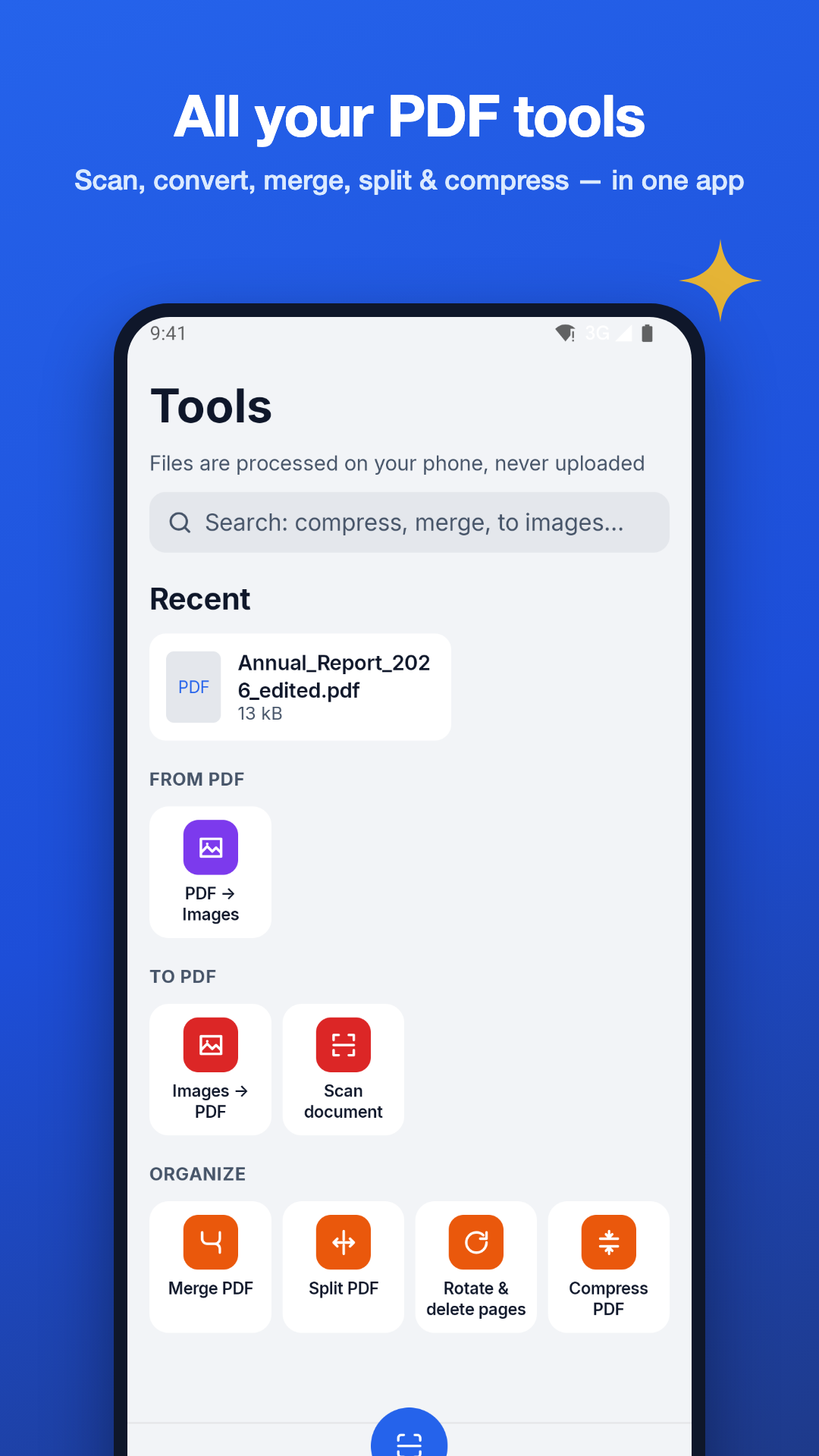
Scan documents
Capture paper documents with automatic edge detection and cropping, powered by Google ML Kit Document Scanner.
Images → PDF
Turn photos and images into a single, tidy PDF.
PDF → JPG / PNG
Export PDF pages as high-quality JPG or PNG images.
Merge PDF
Combine up to 10 PDF files into one document.
Split PDF
Extract page ranges or split a PDF into separate files.
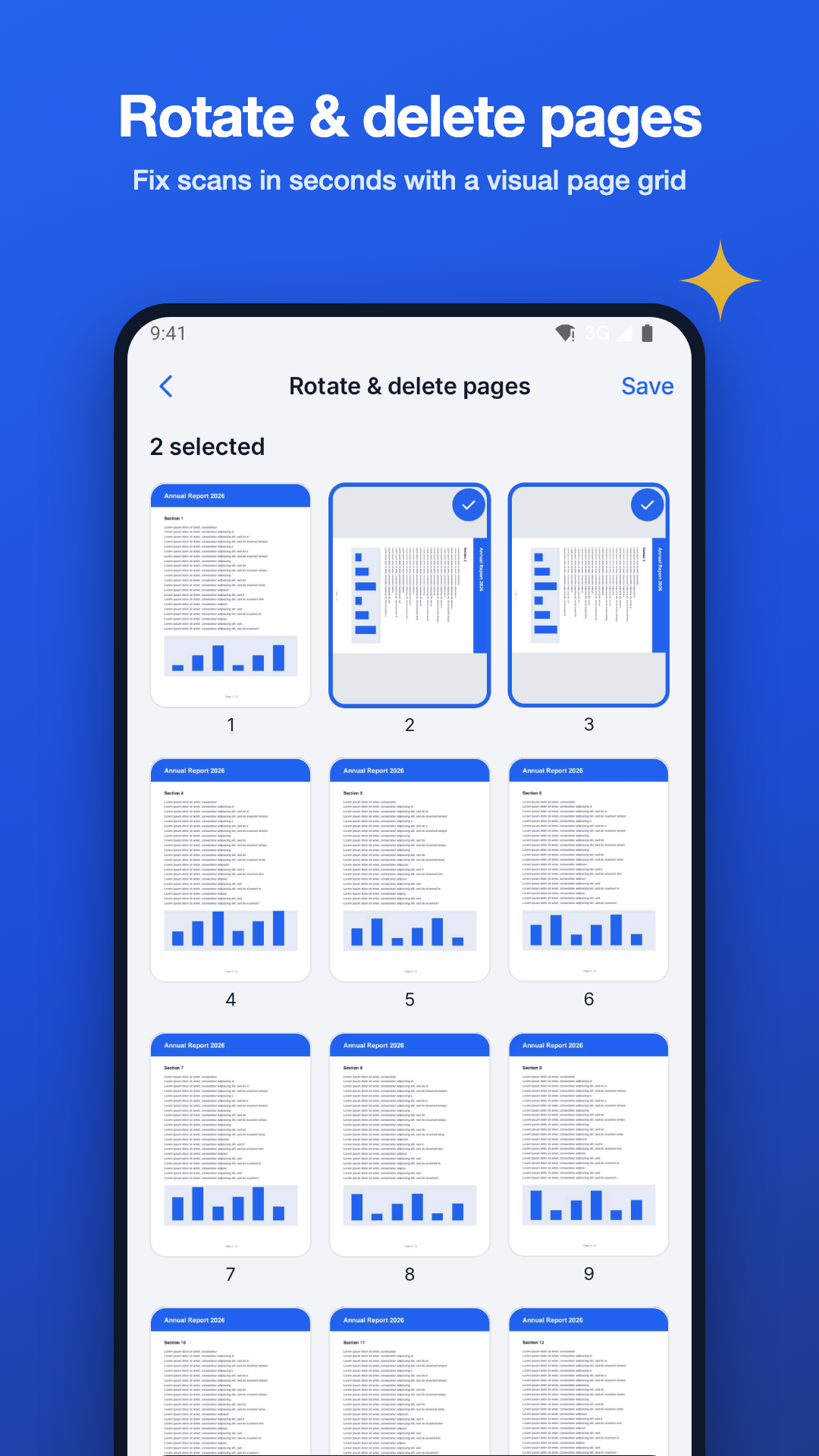
Rotate & delete pages
Fix sideways pages and remove the ones you don't need.
Compress PDF
Shrink file size so documents are easier to share.
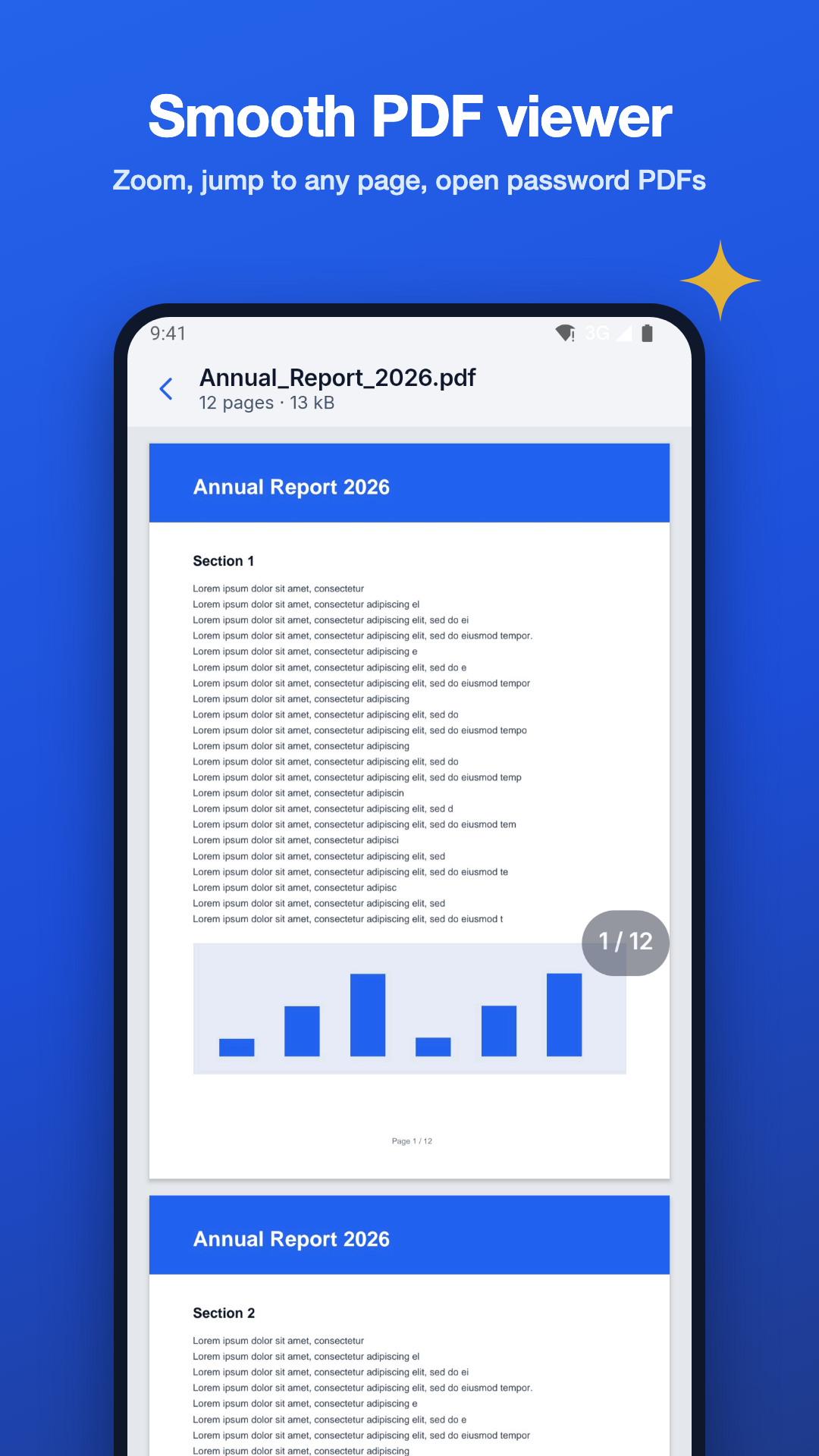
PDF viewer
Read PDFs, including password-protected ones. Passwords are never stored.
My files
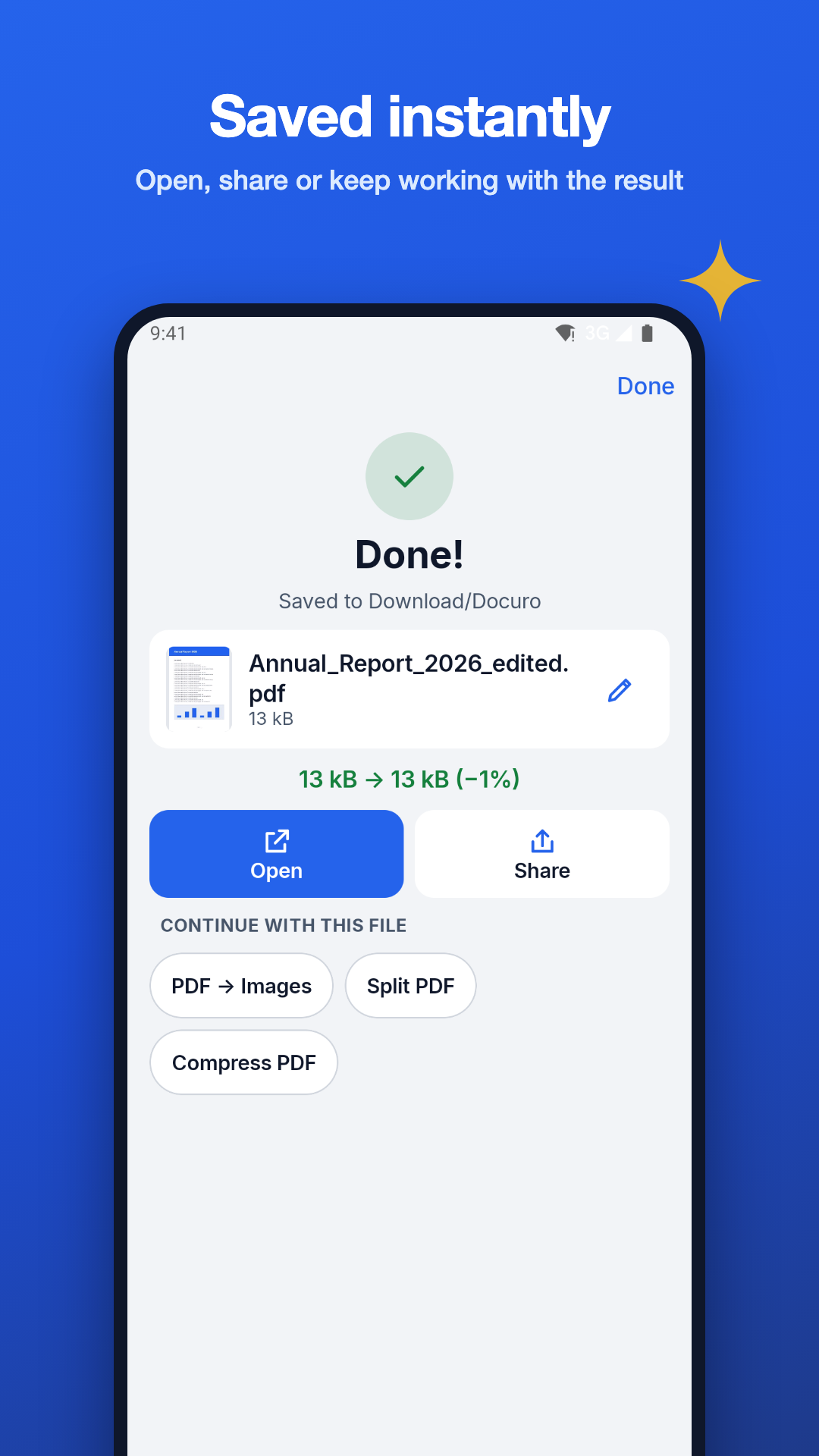
Results are saved to Download/Docuro, ready in any file manager.
Share anywhere
Send results through the Android share sheet to any app you choose.
16 languages
English, Tiếng Việt, Español, Português (BR), Français, Deutsch, Русский, العربية, עברית, हिन्दी, Bahasa Indonesia, 日本語, 한국어, 简体中文, ไทย and Türkçe.
Coming soon
In development. Not available in the current version.
- Soon
On-device AI summary and chat with your PDF
- Soon
OCR text extraction in 100+ languages
- Soon
PDF ↔ Word, Excel and PowerPoint
- Soon
Edit & sign PDFs
- Soon
Printing layouts
Screenshots
Your files never leave your phone
- Every scan, conversion and edit runs on your device.
- No account, no cloud, no ads, no tracking.
- No analytics or crash-reporting SDK is included. An anonymous statistics toggle exists in Settings, but this version sends nothing.
- Uses the system Photo Picker and file picker instead of broad storage access.
Frequently asked questions
Are my files uploaded anywhere?
No. Docuro processes every file on your phone. Your documents, images and scans are never uploaded to any server, and there is no Docuro account or cloud storage.
Is Docuro free?
Yes. Docuro is free to download, and the current version contains no ads.
Does Docuro work offline?
Yes. All tools work without an internet connection. The only exception is the first use of the document scanner: Google Play services may need to download the scanner module once. Your images are not sent anywhere.
Where are my converted files saved?
In the Download/Docuro folder on your device. You can open, share or delete them from My files inside the app or from any file manager.
Can Docuro open password-protected PDFs?
Yes. Enter the password when you open the file. Docuro uses it only to open that document and never stores it. Docuro cannot recover or bypass a password you don't know.
Which Android versions are supported?
Android 8.0 (API 26) and newer. The document scanner additionally requires Google Play services.
Why does the scanner say it is unavailable?
The scanner is provided by Google Play services. It is unavailable on devices without Google Play services, or until Play services finishes downloading the scanner module. You can still create PDFs from existing photos with Images → PDF.
Does Docuro have OCR or AI features?
Not yet. On-device AI summary and chat, OCR in 100+ languages, Office conversion, edit & sign and printing layouts are coming soon. They are not available in the current version.